
Trailforks Service Tracker
Trailforks Service Tracker is a new feature for 2024.
It allows you to track your bike and gear usage, service and maintenance.
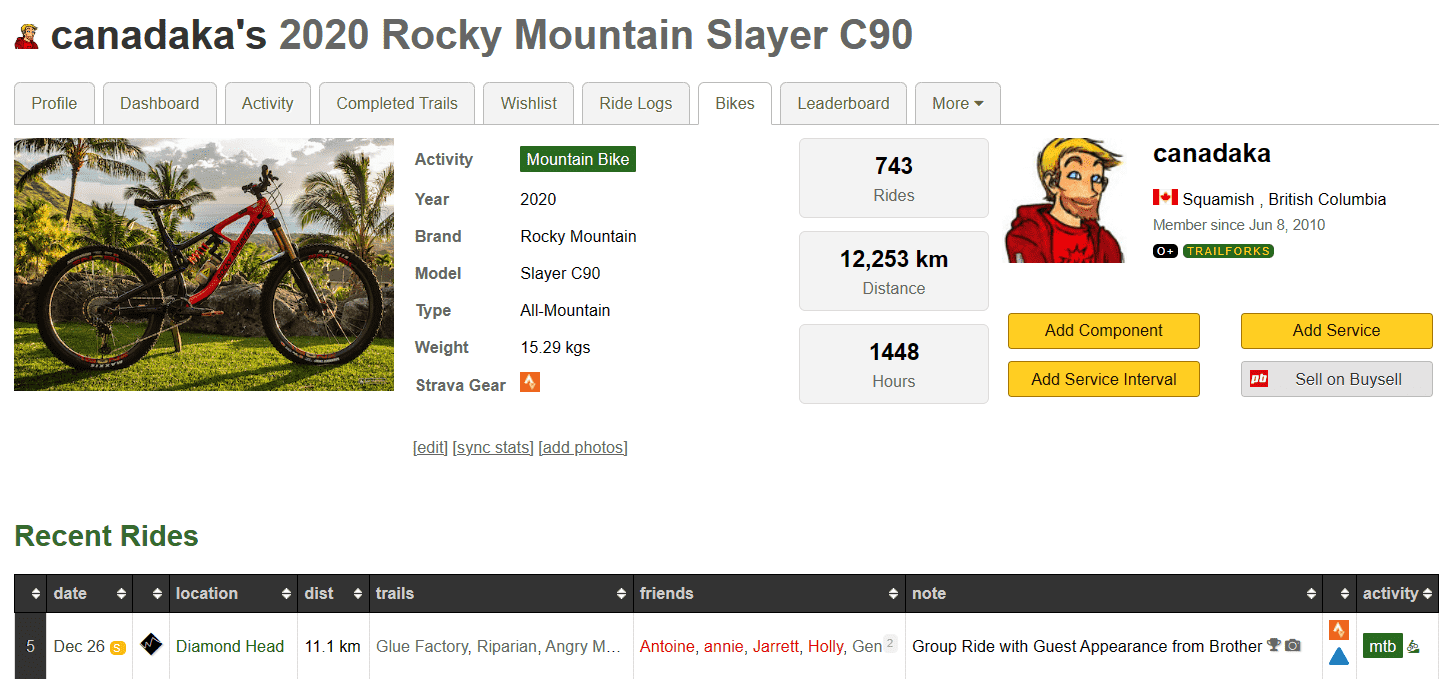
You tag which bike or gear on your ridelog activities to automatically update the odometer and hours of your bike or gear.
You can set reminders for when your next service is due, and log when you have done a service. You can also track the cost of your service and the total cost of your bike and gear.
You can also add individual components to your bike, and track their usage and service.
1. Bikes & Gear
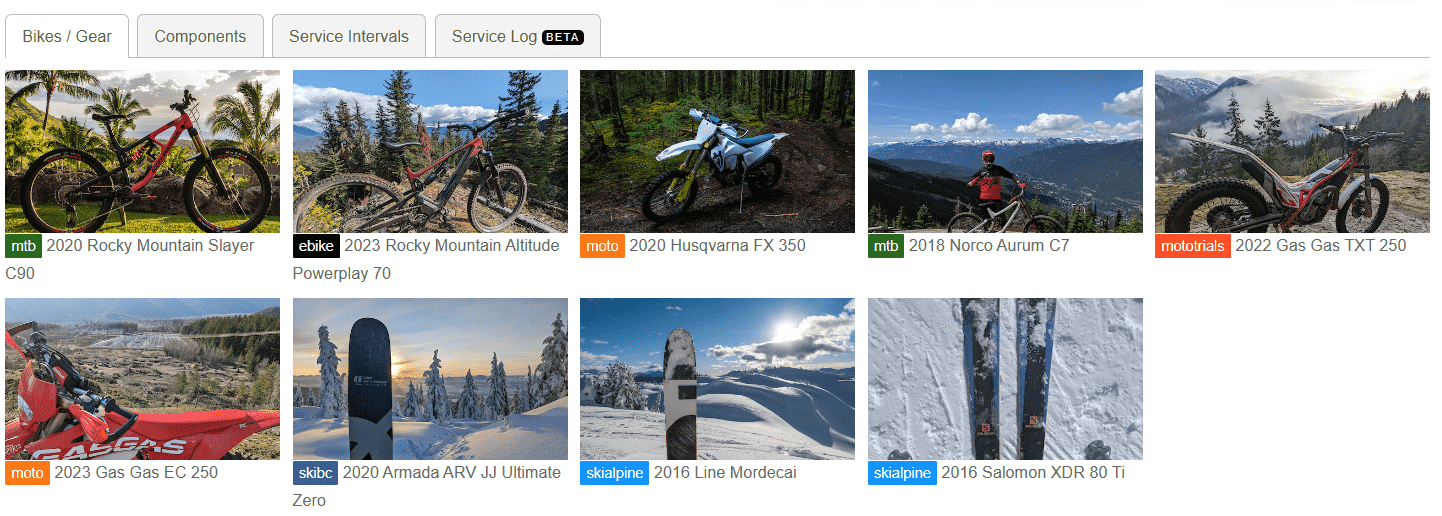
The first step is to add your bikes and gear to your profile. You can add mountain bikes, dirtbikes, snowmobiles, skis and more.
You can list your bikes and gear as public or private. If you list them as public, they will be visible on your profile page as a virtual garage.
You can mark old bikes as inactive, this is a great way to keep a history of your bikes.
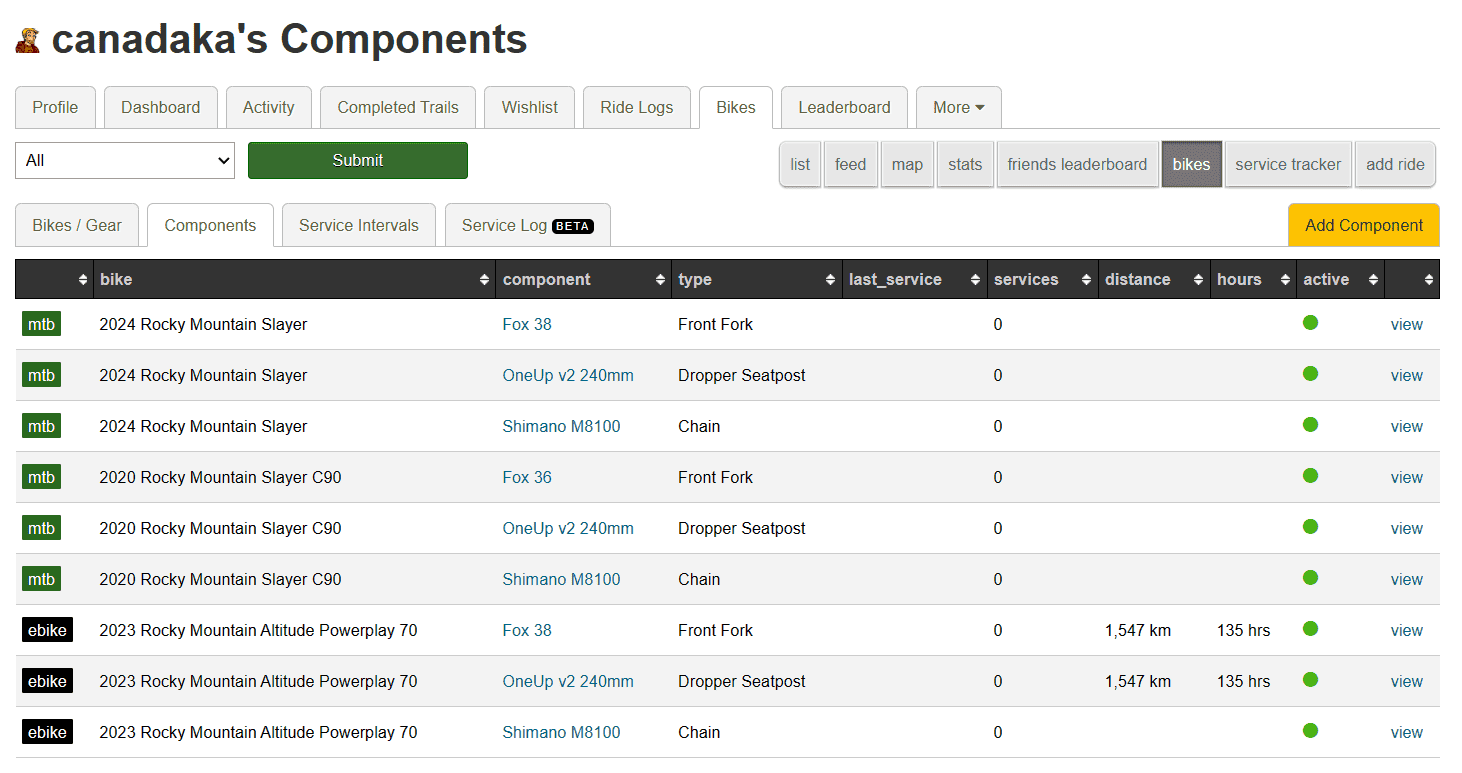
2. Components
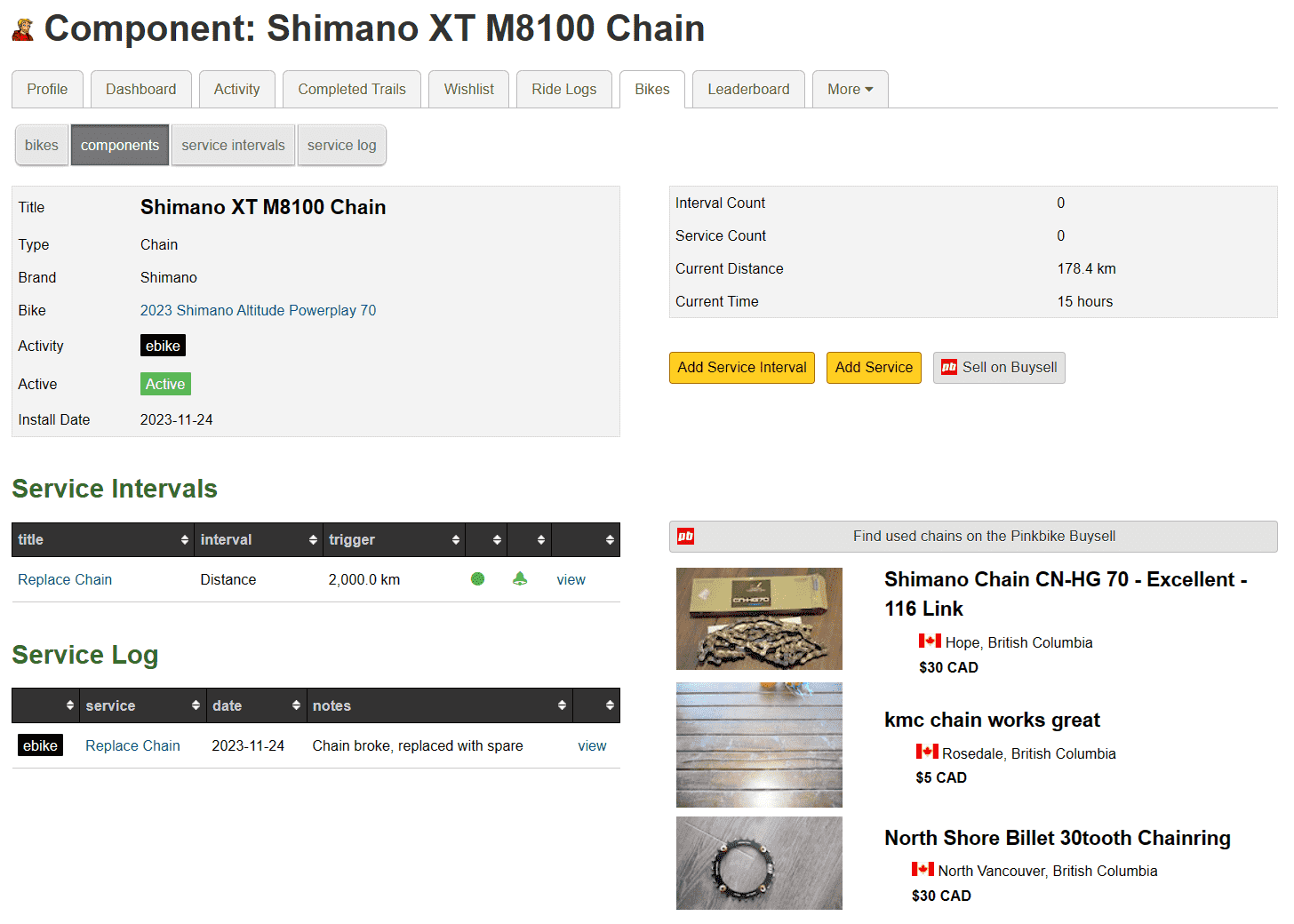
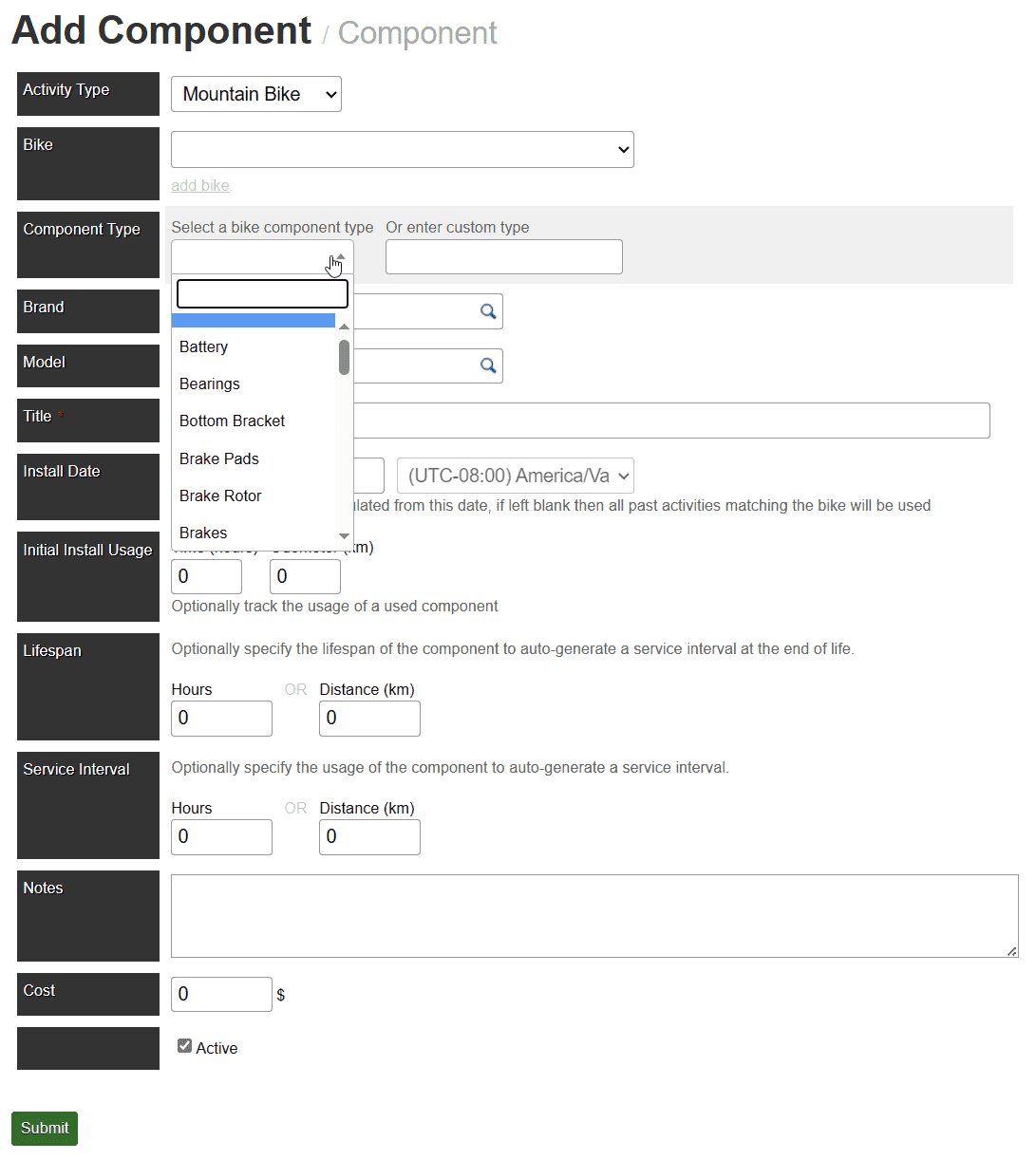
You can optionally add components to your bike. This is a great way to track the usage and service of individual components.
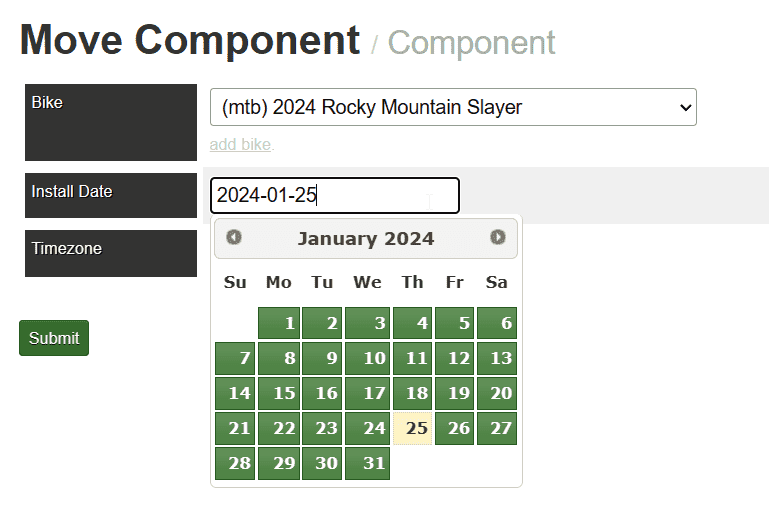
Enter the lifespan of the component, and the date it was installed. You can also add, remove or move a component to another bike.
3. Service Intervals
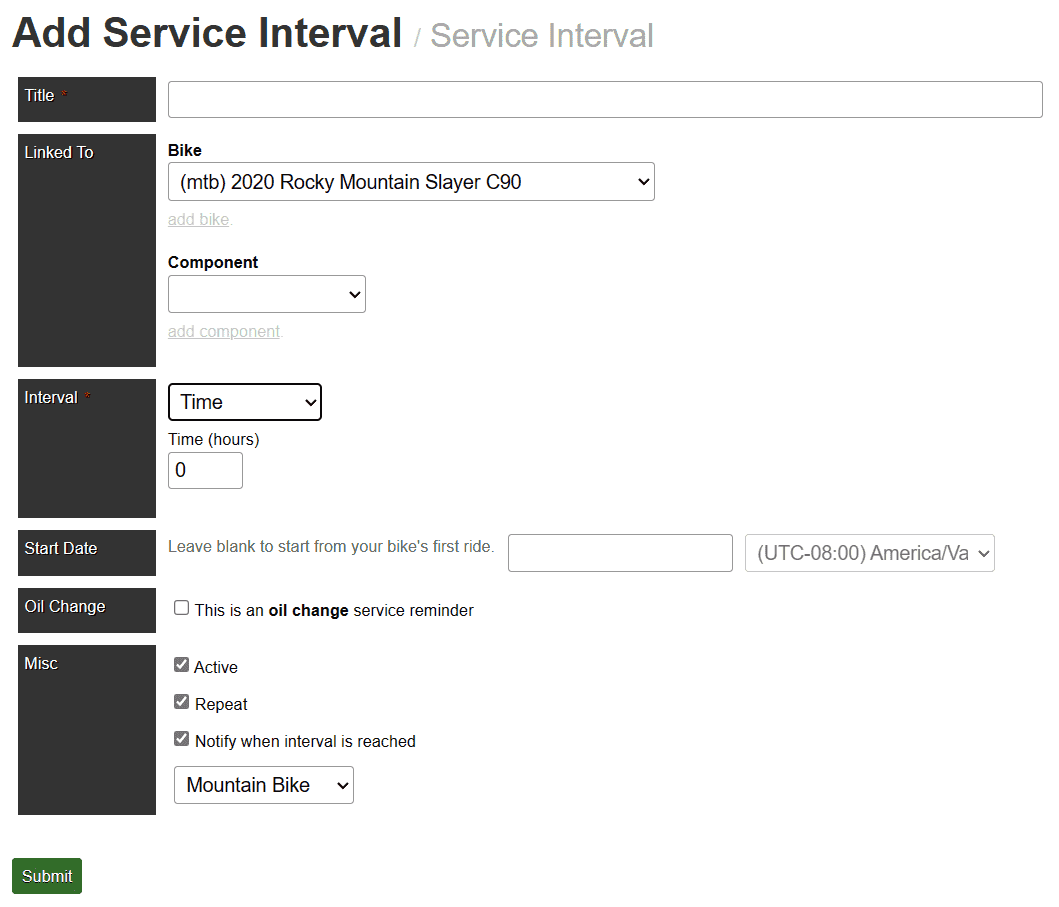
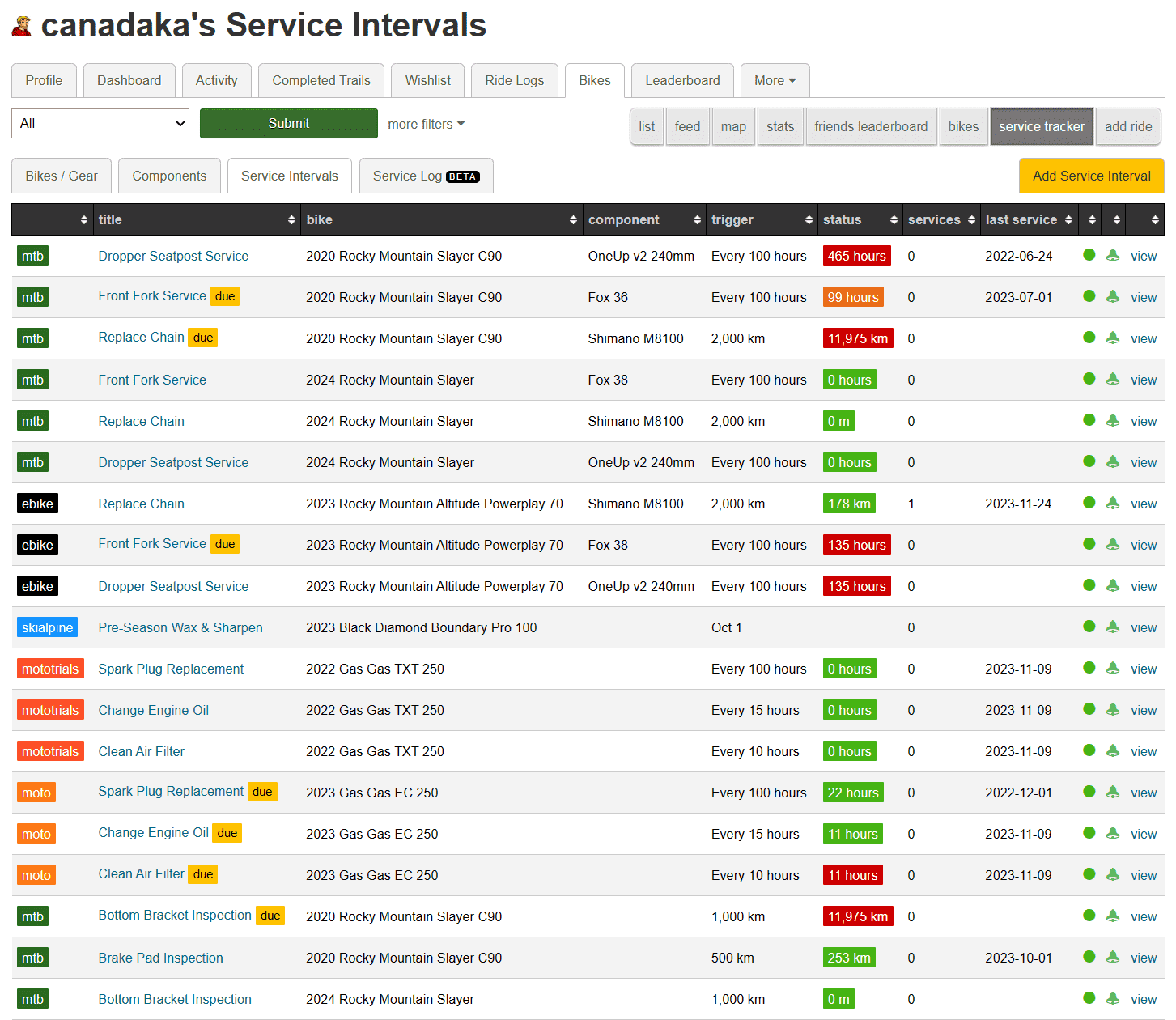
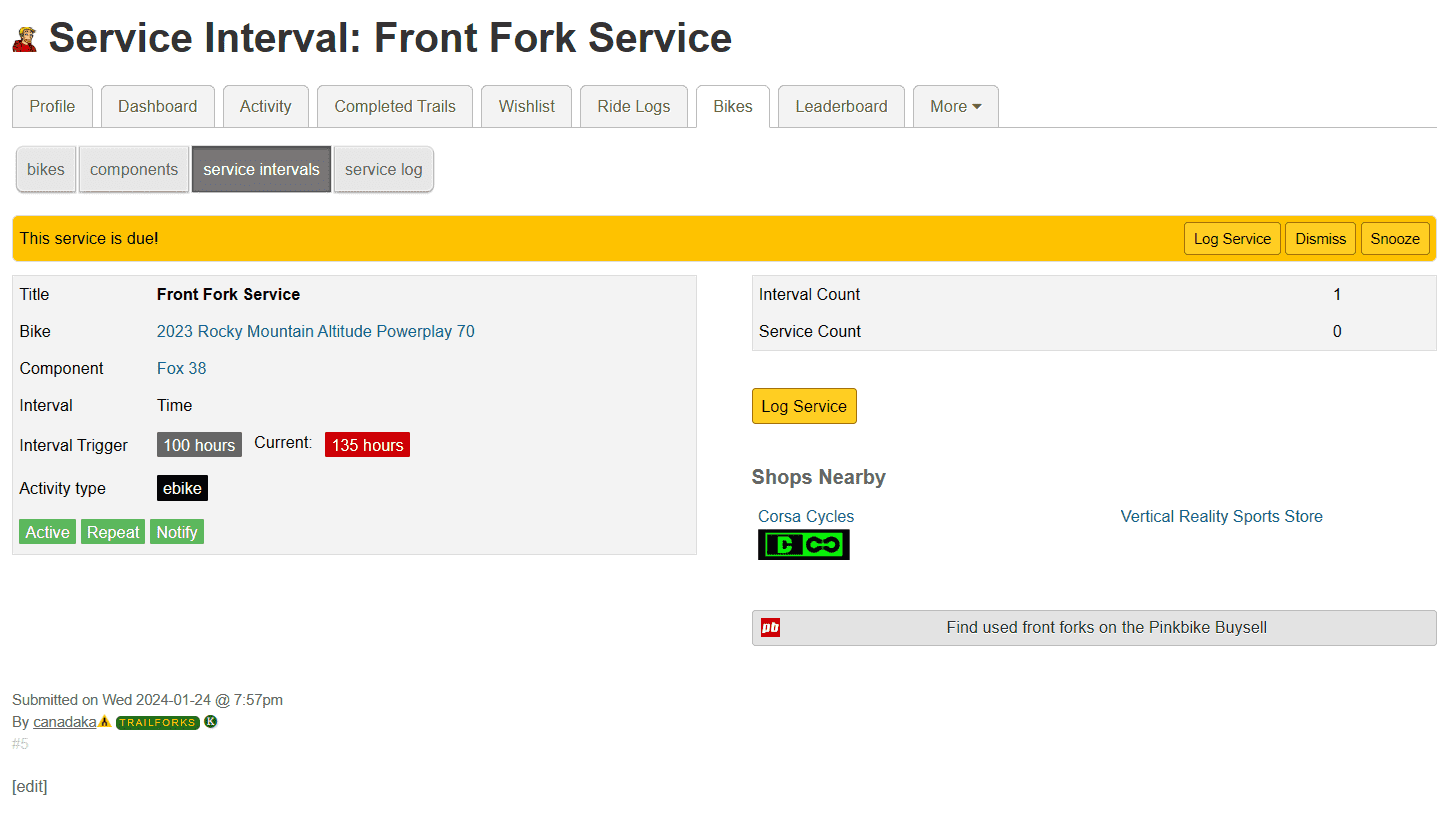
Service intervals allow you to set reminders for when you should service your bike, gear or components. The intervals can be based on time, distance, ride count or a specific date.
Once you have service intervals setup their distance & time triggers will automatically be updated as you add rides. Once your interval is triggered you will see a reminder on your ridelog page and receive a notification.
Intervals can be set to repeat or run only once. You can also start the interval tracking from a specific date.
When you recieve a reminder, you can log that you have done the service, snooze the reminder for a week or dismiss it for that interval cycle.
4. Service Interval Templates
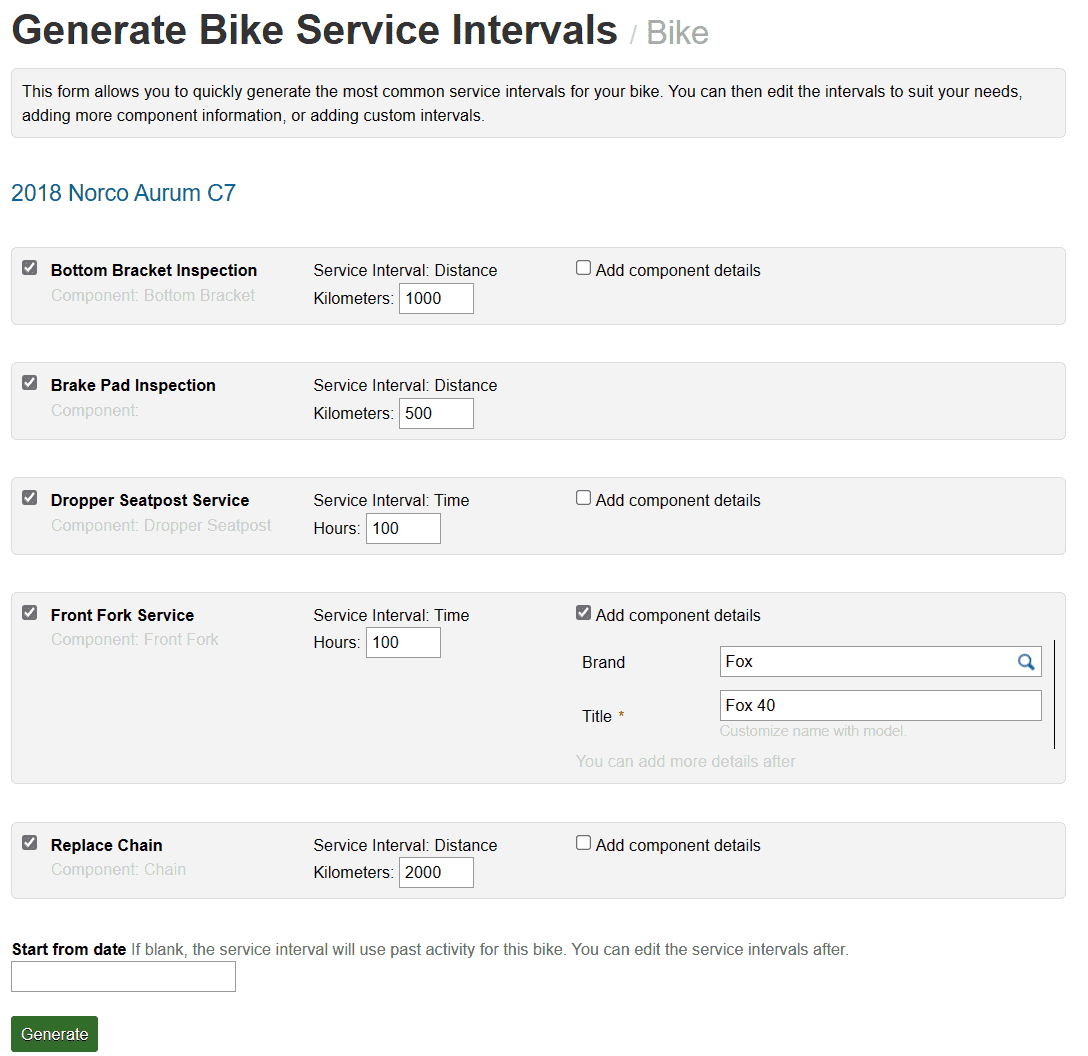
After you add a bike, you will be presented with the option to setup some of the recommended service intervals for that activity. Different templates exist for MTB, dirtbike & skiing.
These templates also allow you to quickly add some basic components during the process.
5. Service Log
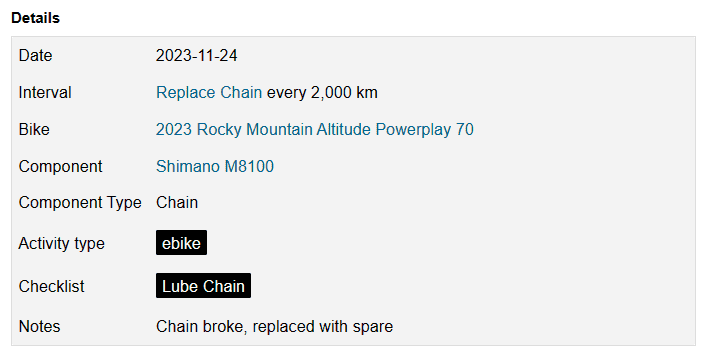
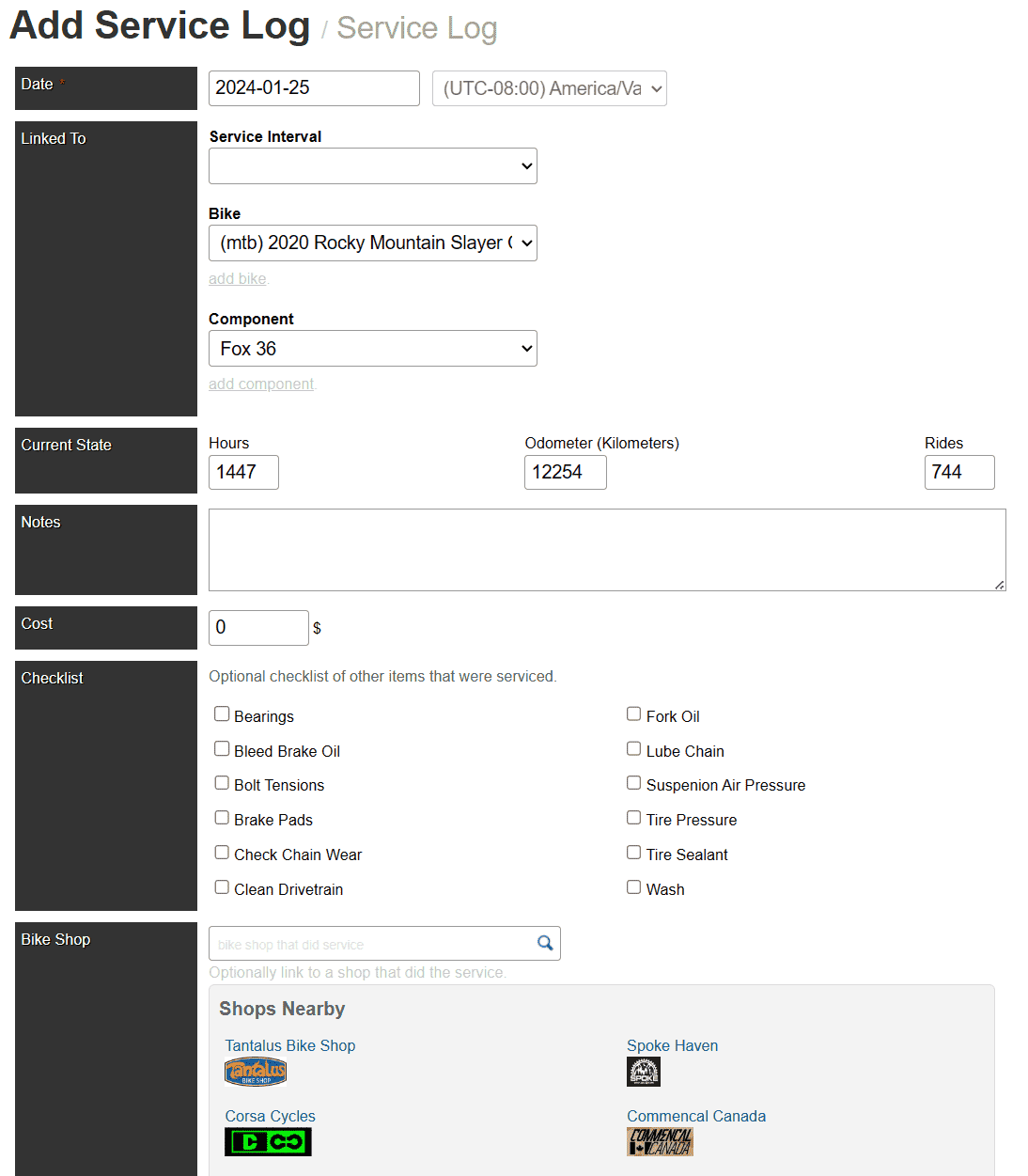
When you get a service interval reminder, you can log that you have done the service. Or you can log a service at any time and link it to a bike or component.
The current odometer and hours of the bike or component will be recorded at the time of the service. You can also add the cost of the service and tag the shop that did the service.
There is also a per-activity checklist of some common service items to check or perform.
You can export your service log as a CSV file.
6. PB Buysell
You can optionally list your bike or component for sale from Trailforks to the Pinkbike Buysell. This will create a link on the Buysell listing to its details on Trailforks. So the buyer can see the history of service done on the bike or component.
When viewing you own components or service intervals nearby components from the Buysell may be listed.
The service tracker relies on ridelog data which you can add by recording your rides using the Trailforks app, connecting your Garmin or other devices.
Read more about the benefits of logging your rides on Trailforks here.